Driving School Marketing: A Practical Guide for ADIs
Most learners do not choose an instructor from a national advert. They search for lessons near where they live, look at a few options, and contact the one that looks real, local and easy to reach. This guide covers the parts of driving school marketing that matter most for an independent instructor or a small driving school, in the order we would tackle them.
Whether you are searching for driving instructor marketing ideas or planning your first steps, start with the sections below.
It is a practical guide, not a promise. Nobody can guarantee you a ranking or a fixed number of enquiries, and anyone who does is selling something. What you can do is make it easy for Google and for learners to find accurate information about you.
Last updated: 20 October 2026.


Driving instructor marketing: where your pupils actually come from
Before spending time or money, work out how your current pupils found you. Ask each new pupil one question: “How did you hear about me?” Write the answers down for three months.
Typical sources for a driving school are:
- Recommendations from pupils, friends and family
- Google searches and Google Maps
- Your website
- Facebook or Instagram
- Local schools, colleges and employers
Whichever you find works for you, the later sections help you get more from it. Recommendations in particular become easier when your online details are accurate: a person who is told your name will search for you before they call.
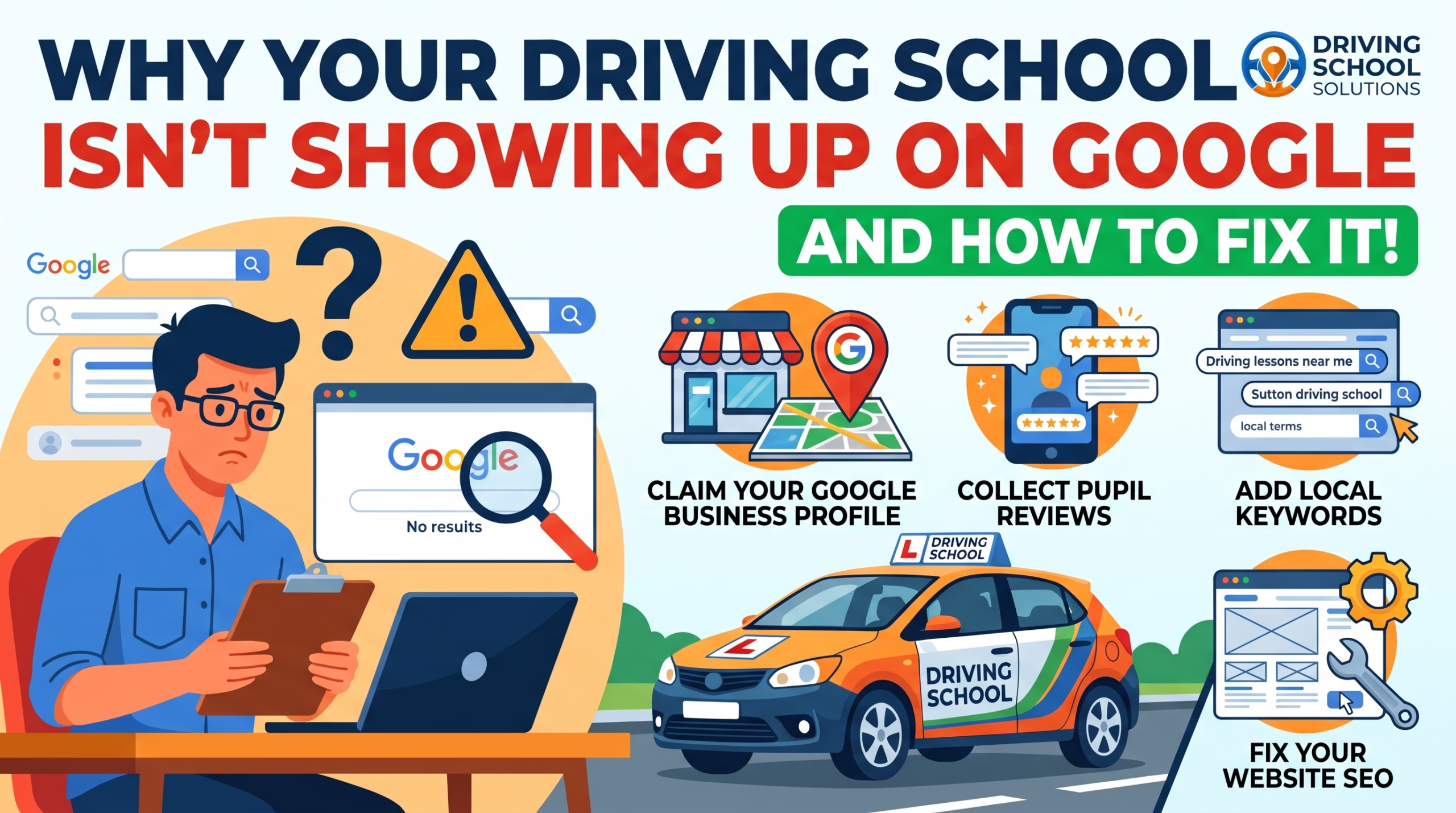
Get your Google Business Profile right
Your Google Business Profile is the listing that appears in Google Maps and in the box of local results in Google Search. For most instructors it is the most useful free marketing tool there is.
Google’s own advice for improving your local ranking is short and worth following:
- Verify your business. This tells Google you are allowed to represent it.
- Keep your information complete and accurate. Include your address (if customers visit you), your opening hours, the right category and your service area.
- Reply to reviews. It shows you value feedback.
- Add photos. Show your car, your area and, where you have permission, happy pupils.
Source: Tips to improve your local ranking on Google.
Two rules that catch instructors out
Google’s guidelines for representing your business say:
- Use your real business name. Do not add taglines, keywords or phone numbers to the name. “Smith Driving School” is fine. “Smith Driving School, Cheap Lessons Sutton” risks suspension.
- Service-area businesses should hide their address. If you travel to pupils and run the business from home, Google says to clear your home address from the profile and set the areas you cover instead.
Source: Guidelines for representing your business on Google.
The business description cannot contain links or special offers and prices. Keep it to a clear, honest description of the lessons you offer.
If you would rather have this done for you, see our Google Business Profile optimisation service.
Be found in local searches
Google says local results are mainly based on three things: relevance (how well your profile matches the search), distance (how far you are from the person searching) and prominence (how well known you are, including reviews and links from other websites). Google also says there is no way to request or pay for a better local ranking.
What that means in practice:
- Relevance: use the words learners use. Name the areas and towns you cover, and the lessons you offer (manual, automatic, intensive, refresher, Pass Plus). Put them on your website and in your profile.
- Distance: you cannot change where you are, but you can be clear about the areas you cover so Google can match you properly.
- Prominence: build it slowly. Reviews help, and so do accurate listings on other sites that match your profile exactly.
Keep your name, address and phone number identical everywhere: website, Google, Facebook, Instagram and any directory. Differences confuse both Google and pupils.
Our driving instructor Local SEO service and Keyword Research service cover this in more depth.
Make your website do its job
A good instructor website does not need to be large. It needs to answer a learner’s questions quickly. Make sure it shows:
- Where you teach. Name the towns and postcodes.
- What you offer. Manual or automatic, beginner or refresher, intensive courses.
- What it costs, or how to find out. A clear starting price or “get a quote” button saves enquiry time.
- How to book. A phone number that can be tapped on a mobile, and a short enquiry form.
- Who you are. A real photo, your ADI grade or badge, and a couple of sentences about how you teach.
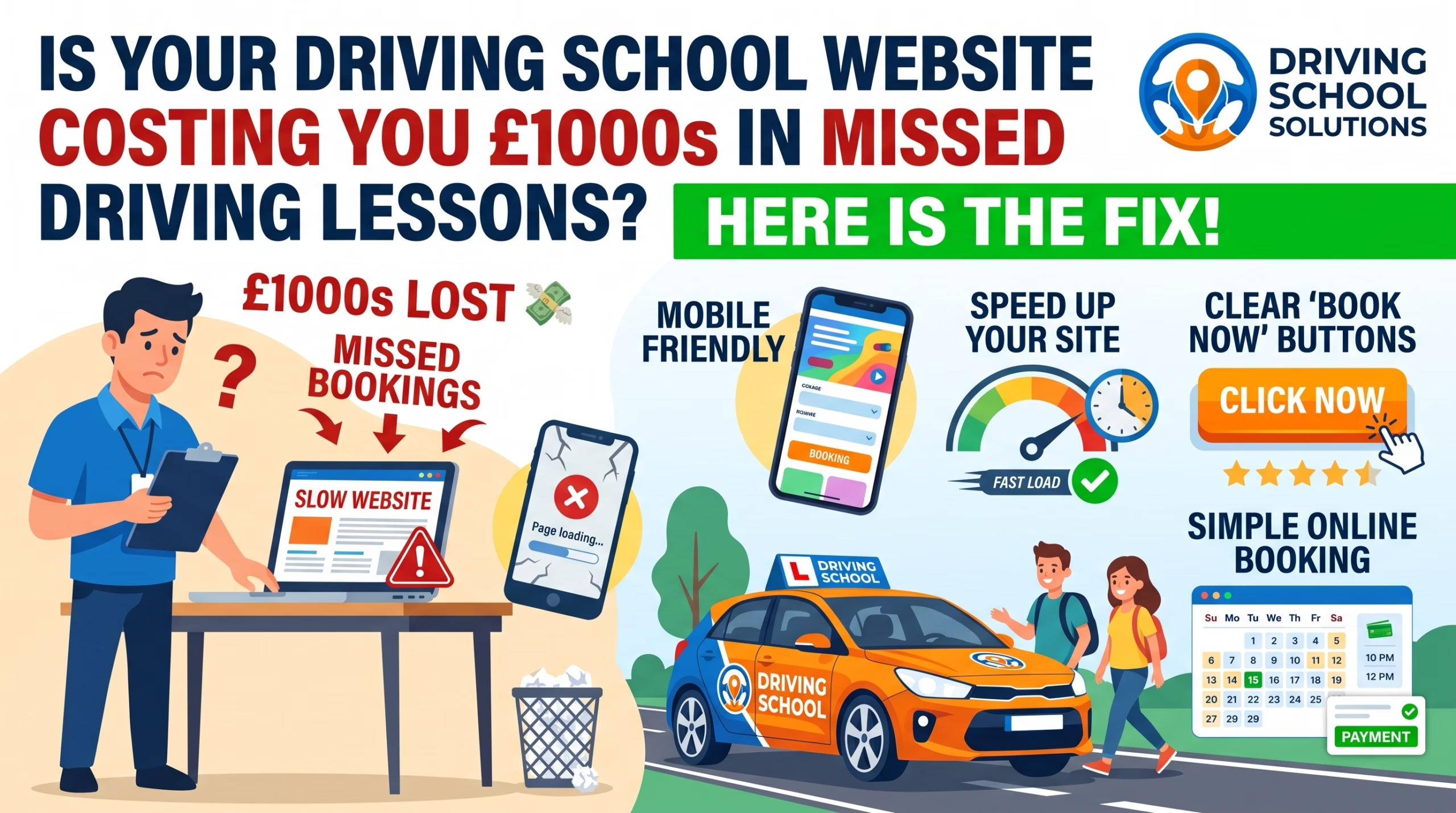
It must also work well on a phone, because most learners will look on one. Test it yourself on a mobile, with the page on a normal data connection.
Each service area you teach in can have its own short page, but only if you have something real to say about it. Thin copy-and-paste pages for every town do more harm than good.
See our driving school Web Design service if you need a site built. For a quick list of fixes, read our 8 driving school website fixes.
Reviews and trust
Reviews help both ways: Google says more positive reviews and ratings can help your local ranking, and learners and parents read them before choosing.
How to get them honestly:
- Ask at the right moment, such as straight after a good lesson or a test pass. A short message with your review link works better than a long request. Our ADI Review Pack makes the review link easy to share.
- Make it easy. Send the direct link to your Google review page.
- Reply to every review, including critical ones, politely and briefly.
What to avoid:
- Never write reviews for yourself, or pay or offer rewards for them. Google’s content policy prohibits fake and incentivised reviews and can remove them or suspend your profile.
- Never copy reviews between platforms and present them as something they are not.
Source: Prohibited and restricted content on Google Business Profile.
Social media without the hard work
You do not need to be on every platform. Choose one or two where your pupils already spend time (for learners this is often Instagram and Facebook), and post regularly rather than perfectly.
Ideas that work for a driving school:
- A short pass post when a pupil passes
- A local test-centre or roundabout tip
- A reminder of when you have lesson slots free
- A short answer to a common question (“How many lessons will I need?” is a good one, with an honest answer)
Get consent first
Before you post a pupil’s photo, a pass certificate or dashcam footage, get their permission. For anyone under 18, get a parent or guardian’s consent too. Ask in writing (a text or email is enough) and keep it. Do not post if you are not sure. This protects the pupil and you.
If you would like help, see our Social Media Management service.
Keeping up with DVSA changes
Rules and waiting times change, and learners and instructors both notice. A short, accurate note on your website or social media when something changes helps pupils trust you.
Our blog explains recent changes in plain English, with sources, for example DVSA’s new Code of Practice. If you cover a DVSA change, link to the official source and check the date.
A simple monthly checklist
Set aside an hour or two once a month:
- ☐ Check your Google Business Profile is correct (hours, areas, phone number)
- ☐ Reply to any new reviews
- ☐ Add one or two new photos
- ☐ Ask recent pupils for reviews
- ☐ Check your website works on your phone and the phone number is right
- ☐ Post once or twice on your chosen social platform
- ☐ Note where new enquiries came from
What to do next
If you would like us to look at your online presence, we offer a free local SEO audit for driving schools. We will tell you plainly what we find and what we would fix first, and you decide whether to go further.
Sources
- Google Business Profile Help: Tips to improve your local ranking on Google
- Google Business Profile Help: Guidelines for representing your business on Google
- Google Business Profile Help: Prohibited and restricted content